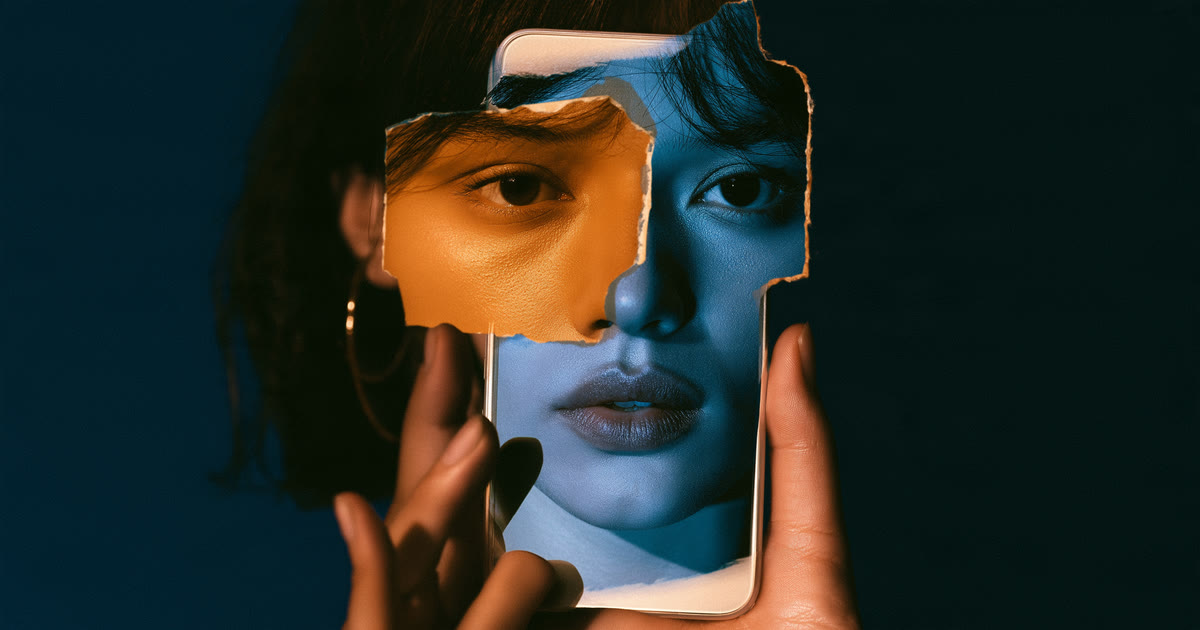
A deepfake is a video in which a person’s face, voice or whole performance has been generated or altered with AI. A few years ago most of them were easy to catch. Today the better ones are not, and the tools keep improving. That changes the right question from “does this look fake?” to “what evidence do I have that this is real?”
These eight checks are ordered deliberately. The first four are about source and context, and they stay useful however good the technology gets. The last four are visual and audio tells, which are worth knowing but less reliable every year.
Start with the source, not the pixels
1. Find where the video first appeared
A clip that reaches you through a forward, a repost or a screenshot has lost its origin. Look for the earliest upload you can find. If the only sources are anonymous accounts or pages created recently, treat the video as unverified.
2. Check whether the person or organisation has posted it themselves
Public figures, companies and government bodies publish on official channels. If a dramatic statement exists only on third-party accounts and nowhere on the speaker’s own verified pages, that is a strong warning sign.
3. Look for independent coverage
If a well-known person really said something startling on camera, established news organisations will usually report it within hours. Search for the key claim. No coverage at all does not prove a fake, but it should lower your confidence.
4. Ask what the video wants you to do
Fakes are usually made for a purpose: to sell an investment, collect personal details, damage a reputation or provoke anger. Urgency, a link to click, or a request for money are reasons to slow down regardless of how real the footage looks.
Then look closely at the footage
5. Watch the mouth and the audio together
Lip movements that drift out of step with the words, or a voice whose tone does not match the facial expression, can indicate that audio was replaced or generated.
6. Check the edges of the face
Look at the hairline, ears, jaw and neck, especially when the head turns. Flickering, blurring or a face that seems to slide slightly over the head can be signs of a face swap.
7. Notice lighting, skin and blinking
Skin that is unusually smooth, lighting on the face that does not match the room, or eyes that blink oddly or not at all are classic tells. Be aware that newer tools handle these much better, so their absence means little.
8. Look at hands, teeth, text and background
Fine details are still hard to generate consistently. Distorted fingers, teeth that merge, warped lettering on signs and backgrounds that shift between frames are worth checking.
What these checks cannot do
No checklist can prove a video is real or fake. Compression from messaging apps creates glitches in genuine clips, and a well-made fake may pass every visual test. Use the checks to decide how much confidence a video deserves, and when the stakes are high, wait for confirmation from a source you trust before sharing.
Where Cafiot fits
Cafiot is a community-powered digital trust platform. You can share a link to content you are unsure about and see how other people have rated it: Legit or Fishy. A community rating is an opinion signal, not proof, but it tells you quickly whether others have already raised doubts. Learn how Cafiot works or get the app on Google Play.